
How to Sign Up for an Account
This guide walks you through everything, step by step: creating your account and setting up the free authenticator app on your phone. The whole thing takes about 10 minutes.
Part 1: Create your account
- 1Go to the sign-in page and click the Create account tab at the top.
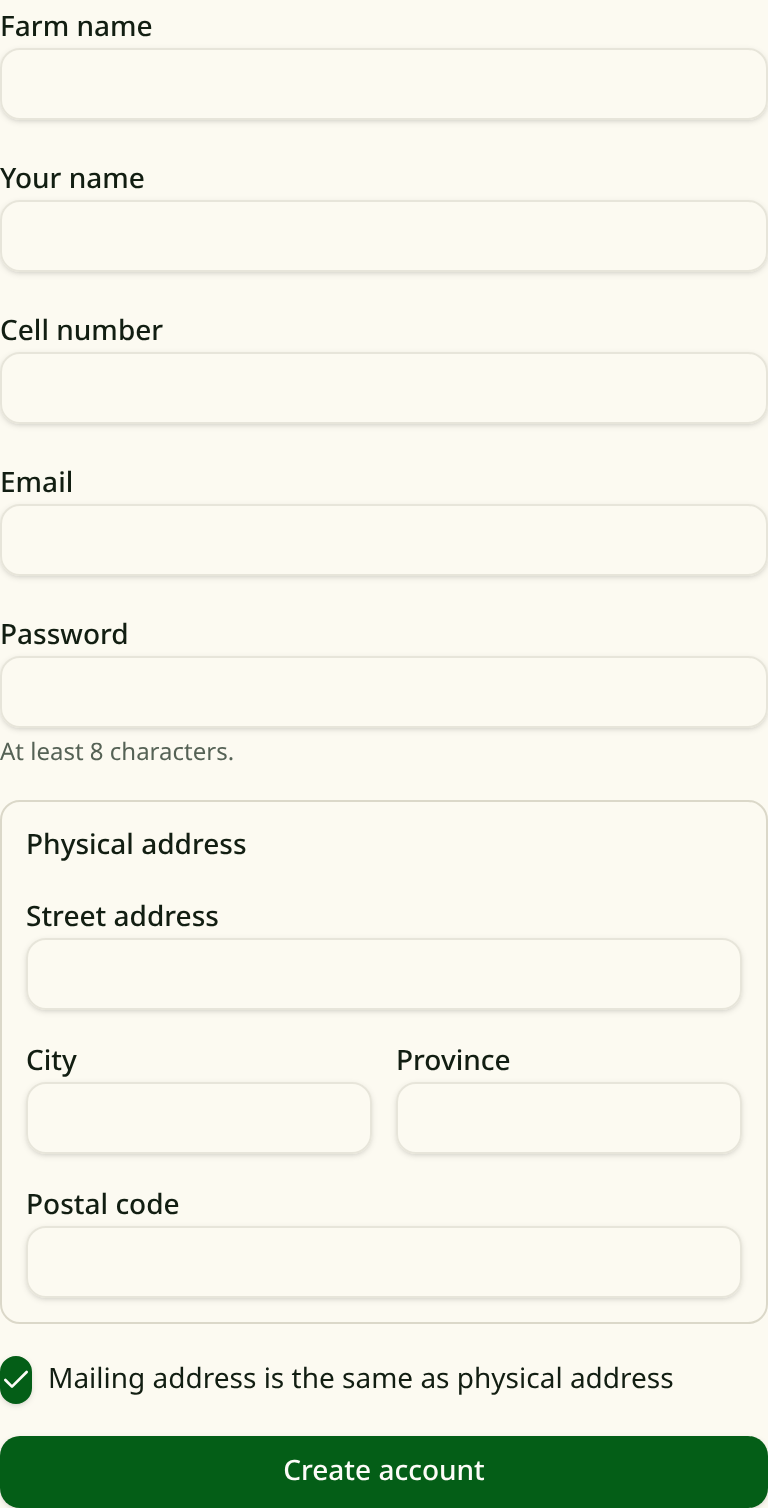
- 2Fill in the form: your farm name, your name, cell number, email, and a password (at least 8 characters), plus your address.
- 3Click the green Create account button at the bottom.
- 4Wait for approval. An administrator reviews every new account, usually within 24 to 48 hours.
This is what the form looks like:
Part 2: Set up the authenticator app on your phone
CropShield uses two-factor authentication (2FA) to keep your account safe. Along with your password, you will enter a 6-digit code from a free app on your phone each time you sign in. The code changes every 30 seconds, so only someone holding your phone can get in.
Step A: Install an authenticator app (one time only)
If you do not already have one, install one of these free apps:
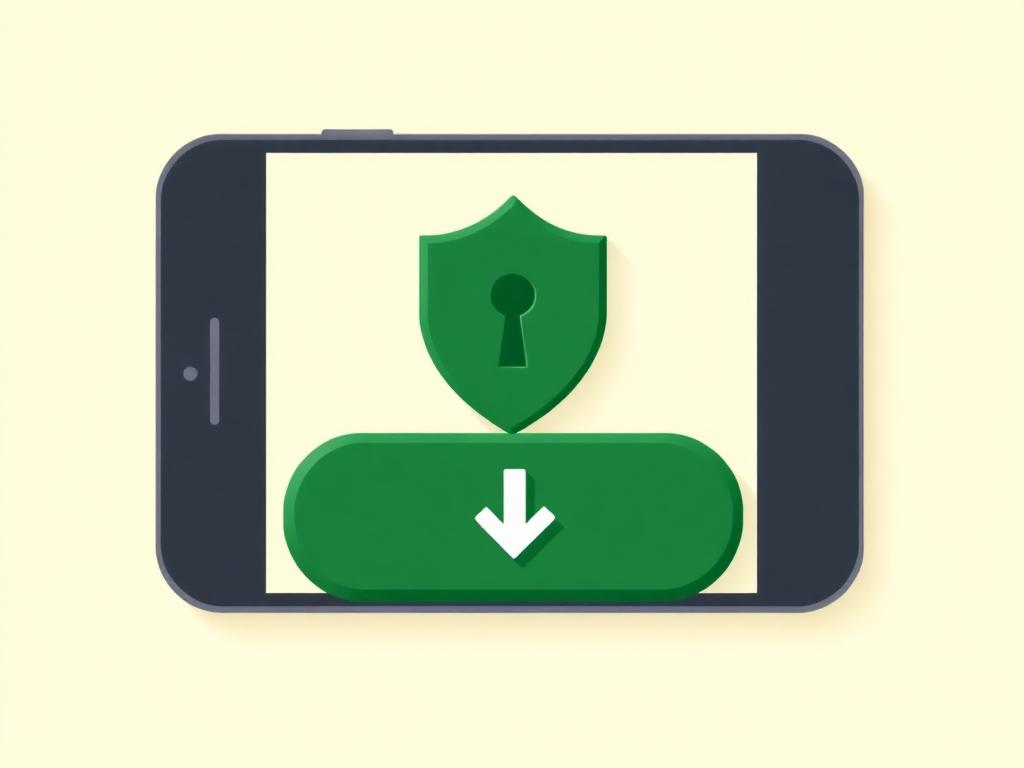
- iPhone: open the App Store, search for “Google Authenticator” or “Microsoft Authenticator”, and tap Get to install it.
- Android: open the Play Store, search for “Google Authenticator” or “Microsoft Authenticator”, and tap Install.
Step B: Scan the QR code at your first sign-in
- 1After your account is approved, sign in with your email and password.
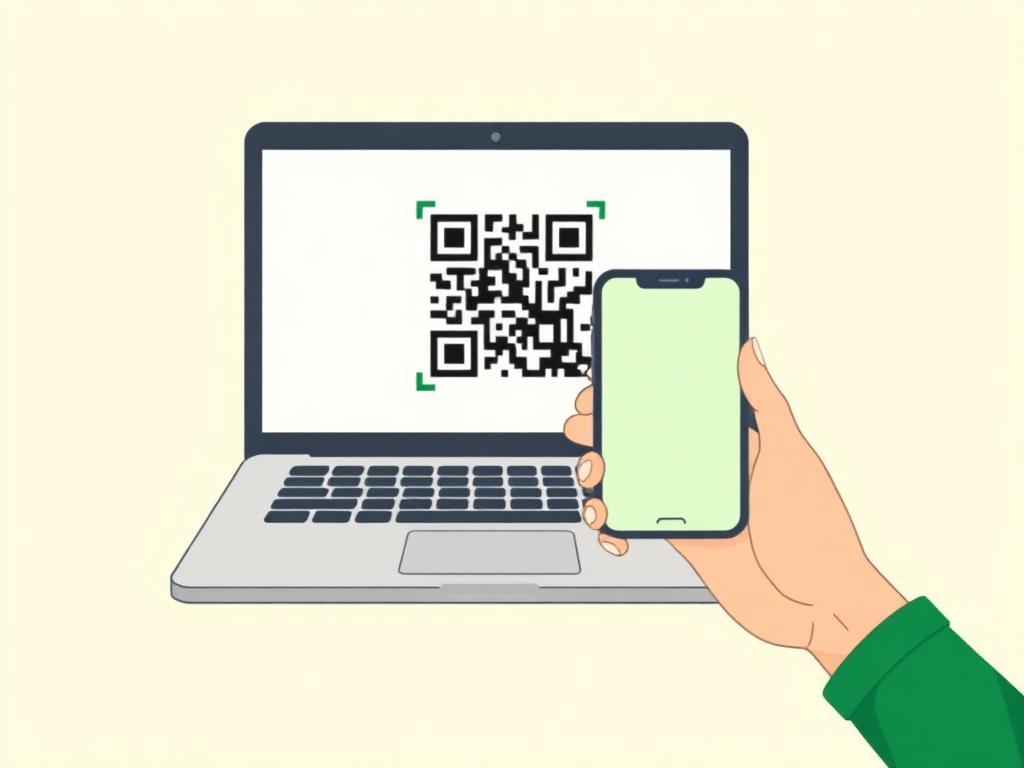
- 2The website will show a QR code (a square barcode).
- 3Open your authenticator app and tap the + (plus) button, then choose Scan a QR code.
- 4Point your phone’s camera at the QR code on the screen. The app adds CropShield automatically.
- 5The app now shows a 6-digit code. Type it into the website to finish.
Step C: Signing in from now on
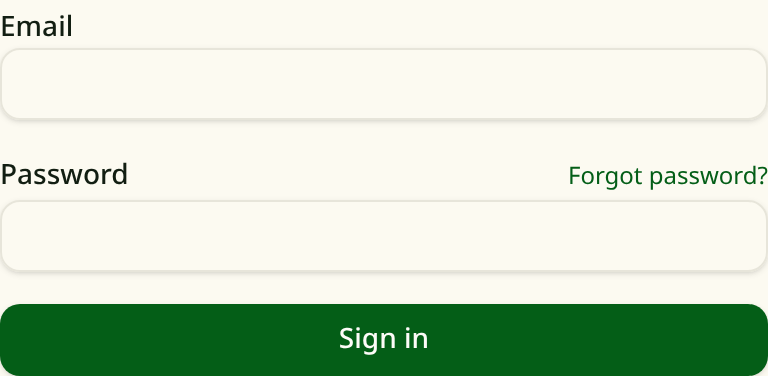
- 1Enter your email and password as usual:
- 2When asked, open your authenticator app and type the 6-digit code shown next to CropShield.
- 3That’s it — you’re in. The code changes every 30 seconds, so there is nothing to remember.
If your code doesn't work
If you lose your phone or get a new one
Frequently Asked Questions
Why do I need an account?
An account is required so we can verify client access before orders are placed.
How long does approval take?
Most accounts are reviewed and approved within 24 to 48 hours.
Why do I need an authenticator app?
It keeps your account and your order information safe. Even if someone guesses your password, they cannot sign in without the code on your phone.
Does the authenticator app cost anything?
No. Google Authenticator and Microsoft Authenticator are both free.
Can I place an order before my account is approved?
No. You will need to wait until your account has been approved before placing an order.
What if I have trouble signing up?
Please contact us at laura@cropshield.ca and we will walk you through it.